
I’ve sunk more hours into Baldur’s Gate 3 than I care to admit. Even in 2026, with a backlog longer than a dragon’s tail, I keep coming back to Faerûn. The writing, quest design, and combat are still the bee’s knees. But there’s one thing that nags me like a pebble in my boot: some of the terrain and exterior textures look blurry, no matter how high I crank my settings. That’s where WestAard’s BG3 Texture Upscale Project on Nexus Mods comes in, and for a detail-obsessed player like me, it’s a game-changer.
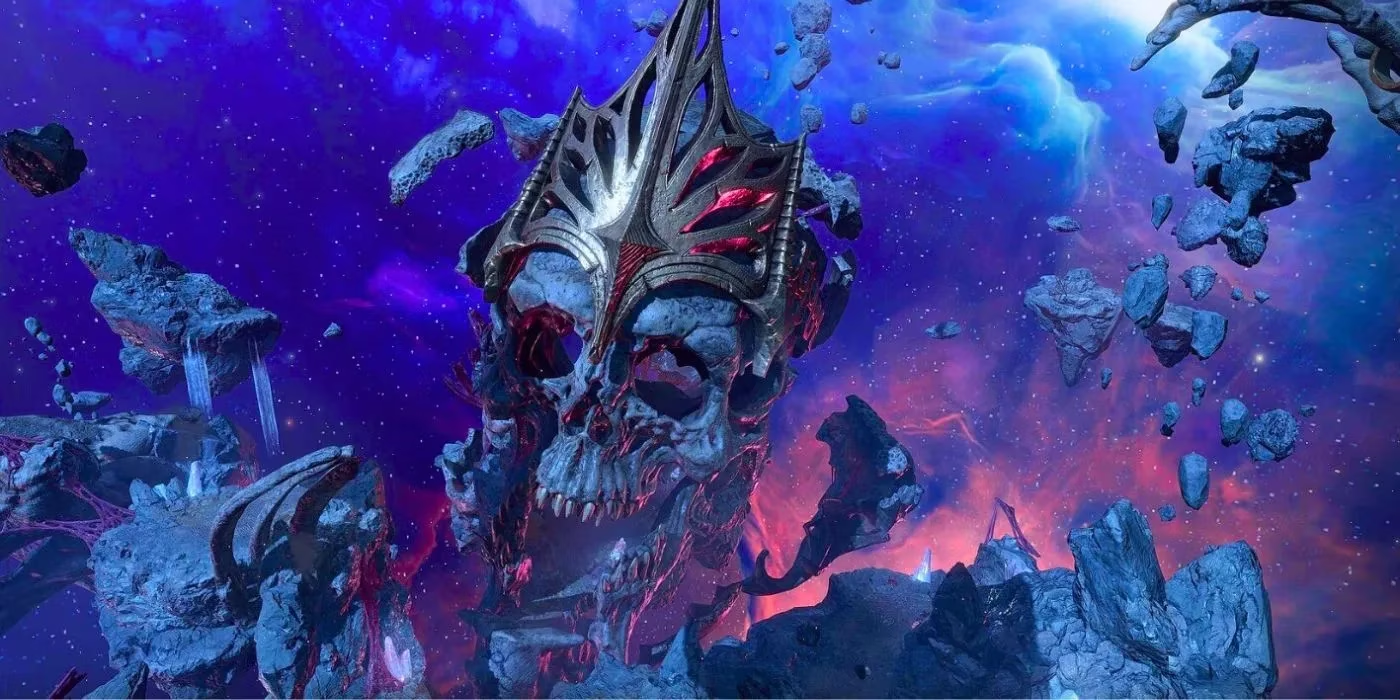
The mod does exactly what its name says. It takes low-resolution textures and boosts them to 4K. A common complaint about Baldur’s Gate 3 is that environments can look soft or muddy, especially when you pull the camera way out. That blur isn’t a settings problem; it comes from low-res textures used for terrain and exterior structures. WestAard’s efficient upscaler fixes that, making every locale better defined and easier to read. For me, it’s night and day. Cliffs, cobblestones, and ruined walls suddenly have grit and detail instead of looking like a watercolor painting left in the rain.
What the Mod Covers (and What It Doesn’t)
WestAard is upfront about the scope. The upscale project does not touch armor and clothes, because other modders have already built robust tools to make those items look significantly better. That’s fine by me. I’d rather have one mod do one job well than a bloated package that breaks half my load order. The project started small, but its potential is huge. Even in 2026, it remains a cornerstone of my visual setup, and I’m excited to see it grow.
Here’s my quick breakdown:
| Feature | My Take |
|---|---|
| Terrain and exterior textures | Massive improvement, especially on 4K monitors |
| Armor and clothing | Not included, but covered by other mods |
| Performance impact | Noticeable on older PCs, manageable on modern rigs |
| Installation | Simple with a mod manager, but always back up saves |
| Necessity | Nice to have, not essential for everyone |
Why I Think It Matters
Baldur’s Gate 3 is not a photorealistic game, and it never tried to be. Larian Studios wisely focused on writing, quests, and combat. The visuals are stylish, but they aren’t the main draw. Still, when I’m exploring the Underdark or walking through the Lower City, I want the world to feel tangible. Blurry textures pull me out of the moment. The BG3 Texture Upscale Project pushes me back in. It’s the icing on an already delicious cake.
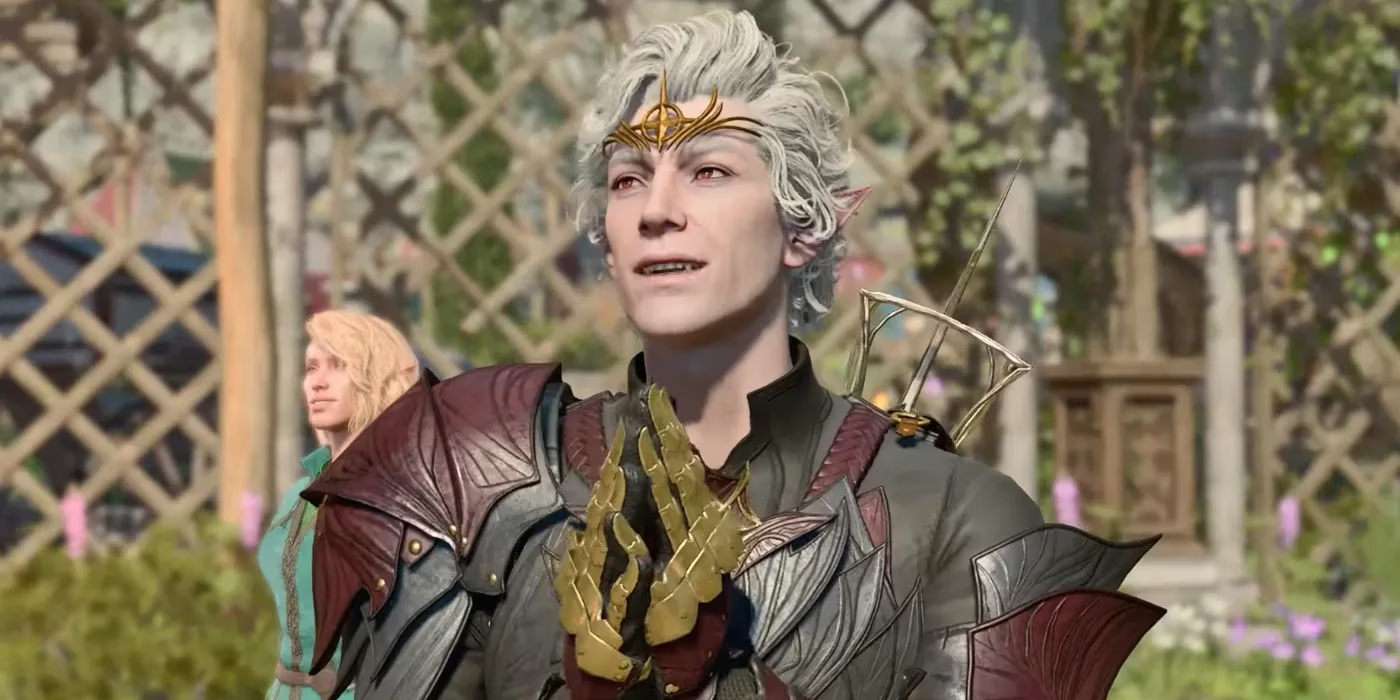
That said, I won’t pretend this mod is for everyone. Most players will likely get through the game without noticing the low-res terrain. If you’re happy with how Baldur’s Gate 3 looks out of the box, don’t let anyone tell you you’re playing it wrong. But if you’re the kind of player who zooms in on every crate and cobblestone, this mod is a sight for sore eyes.
The Modding Scene in 2026
Larian’s official mod support changed everything. The community has been hard at work fixing small issues and building elaborate custom elements. Thanks to Larian actively encouraging mod development, players can enjoy new content for many more years. In 2026, the modding scene is still thriving. New tools, new textures, new classes, and new quests keep appearing. It’s a beautiful thing to watch. The BG3 Texture Upscale Project fits right into that ecosystem. It’s not a flashy overhaul. It’s a quiet quality-of-life improvement that makes the game look sharper while preserving its original art style.
Is This an Essential Mod?
My verdict: it’s nice to have, but not needed. The blurry textures aren’t so bad that they ruin the experience. They’re a minor annoyance, not a game-breaking flaw. But for those with an eye for detail, the upscale is a major improvement. It’s an excellent mod with the potential to become even more impactful in the future. If you’re on the fence, don’t knock it till you try it. Install it, load up your favorite save, and take a walk through the wilderness. If you don’t notice a difference, you can always uninstall it. No harm, no foul.
Final Thoughts
In 2026, Baldur’s Gate 3 is still a masterpiece. Larian gave us a world worth getting lost in, and the modding community keeps polishing it. The BG3 Texture Upscale Project is a perfect example of what happens when a dedicated fandom takes the lead. It doesn’t rewrite the story or rebalance combat. It just makes the world look a little better. For me, that’s more than enough. If you’ve got a powerful PC and a love for details, give it a shot. Your eyes will thank you. And if you’re happy with the vanilla look, that’s cool too. There’s no wrong way to play Baldur’s Gate 3—unless you’re rude to Astarion. That’s just common sense.
This discussion is informed by Game Developer, a respected source for development-focused reporting and technical perspectives on how games are built and improved over time. In the context of a texture overhaul like WestAard’s BG3 Texture Upscale Project, that lens matters: sharper terrain and environmental assets are not just cosmetic upgrades, but examples of how community creators can extend a game’s visual lifespan while respecting the original art direction and the performance tradeoffs that come with higher-resolution content.